A sleek, customizable launcher that puts you in control. Organize your apps, customize your grid, and enjoy a modern TV interface designed for Android TV.
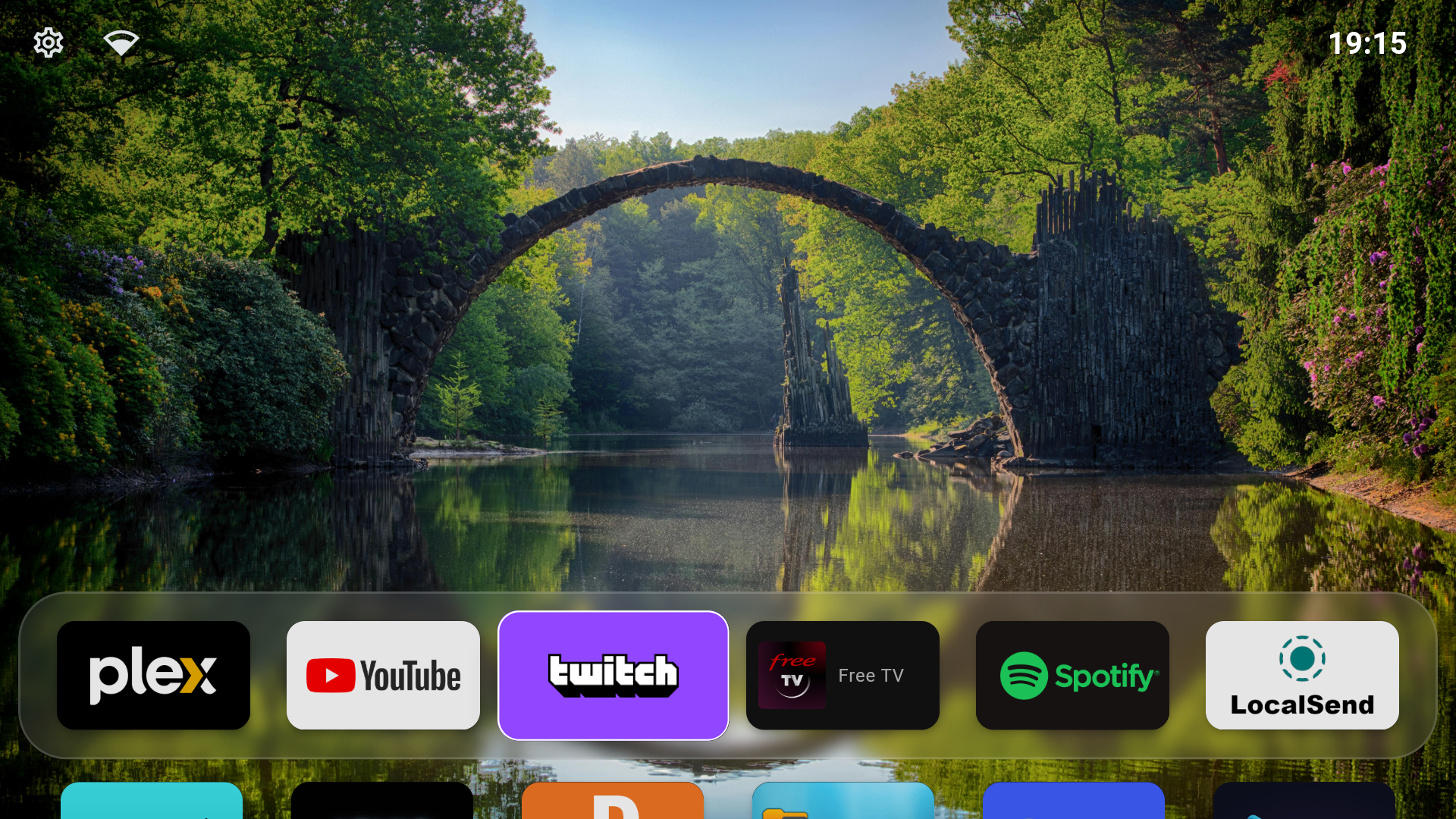
Built specifically for Android TV with a focus on simplicity and customization
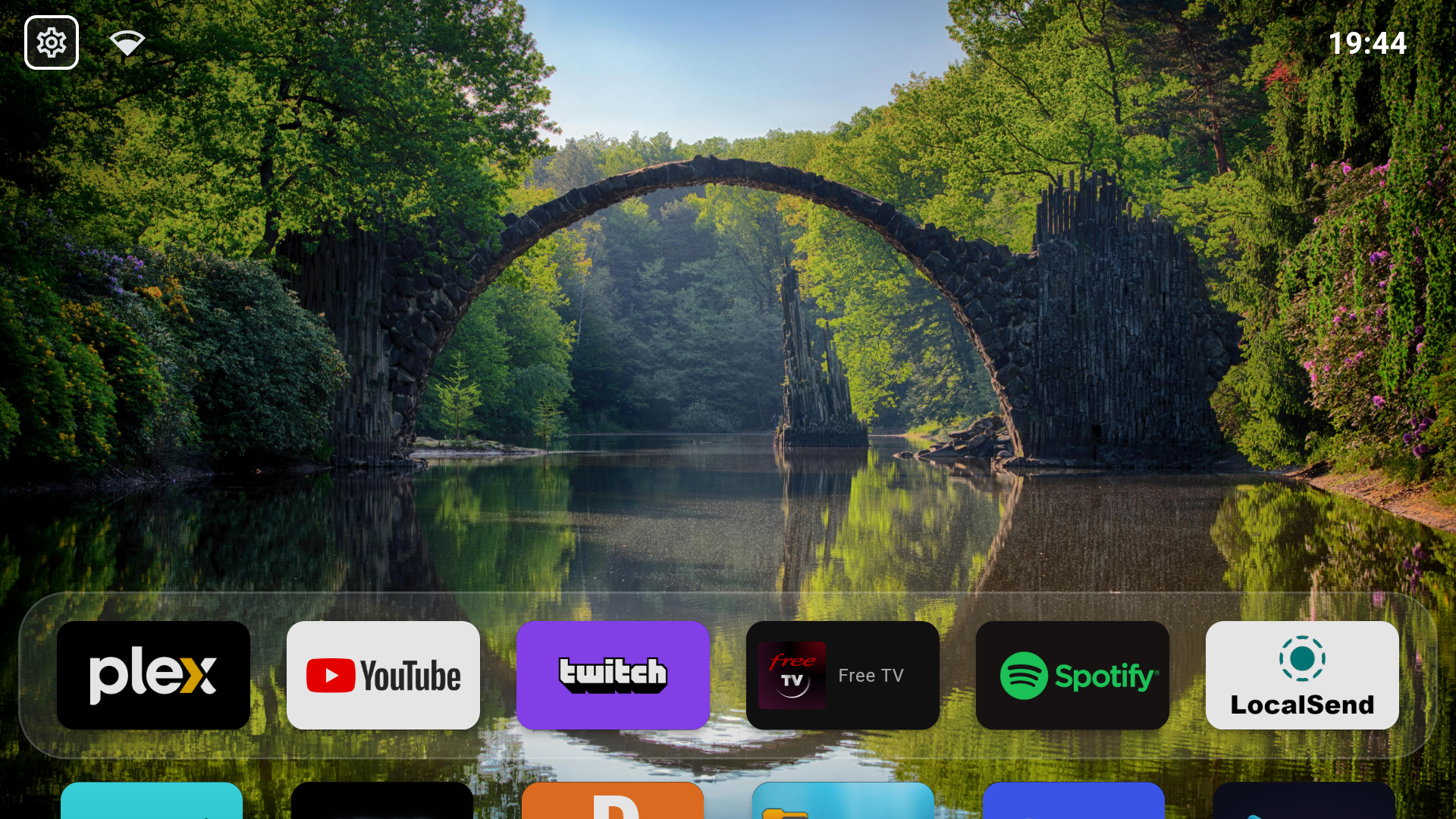
Arrange your apps exactly how you want them. Drag, drop, and organize your favorites with an intuitive grid layout designed for TV remotes.
Group apps into categories that make sense. Create sections for Streaming, Games, Tools, or any custom categories you need.
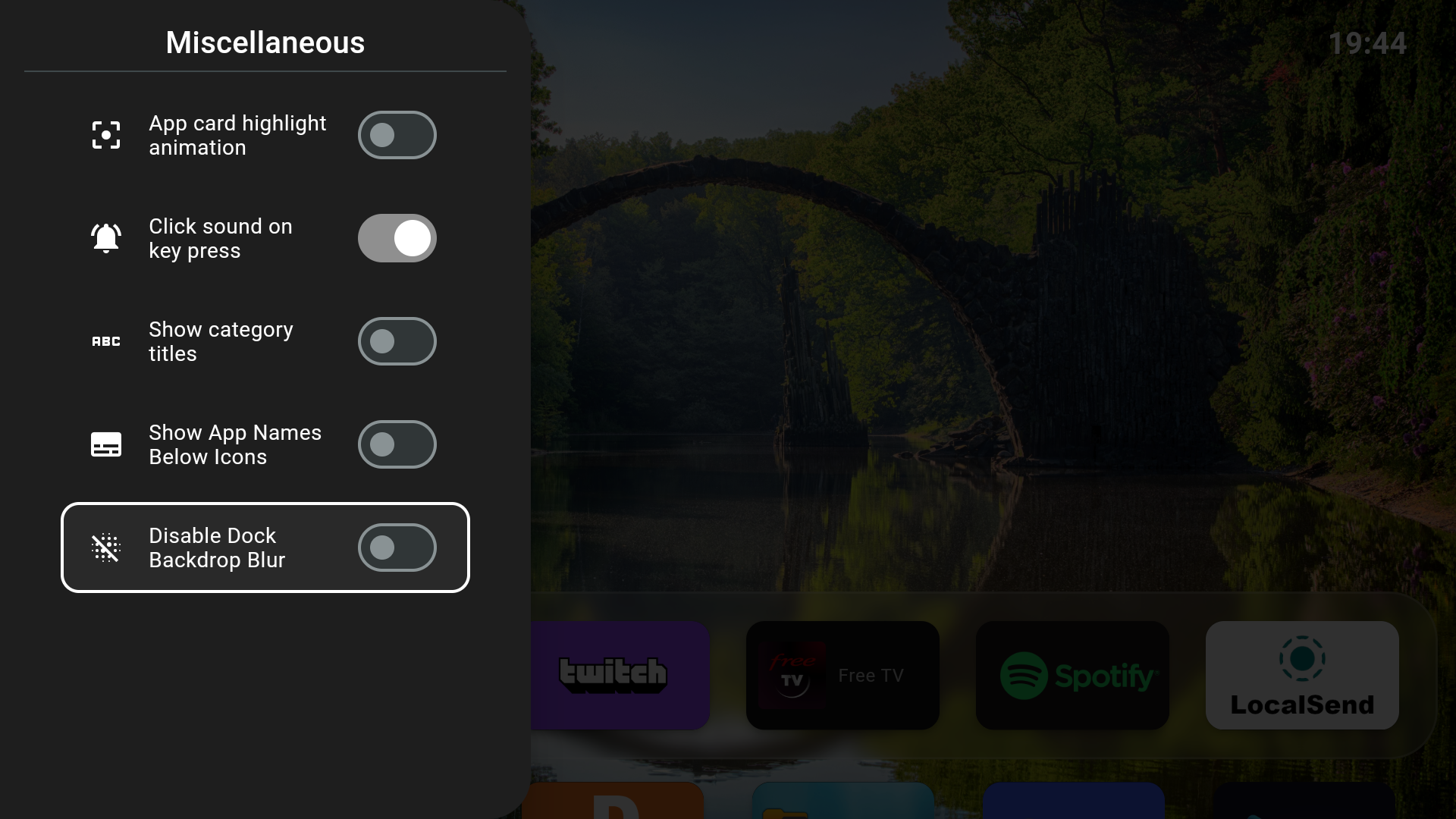
A beautifully designed settings panel that puts configuration options at your fingertips. Easy access to all customization options.
Optimized for navigation with a TV remote or game controller. D-pad friendly interface with clear focus indicators.
Personalize your launcher with wallpapers, accent colors, and layout options. Make it truly yours.
No ads, no tracking, no data collection. 100% open source under GPL-3.0 license. Built by the community.
Browse screenshots of the interface and settings
Home Screen
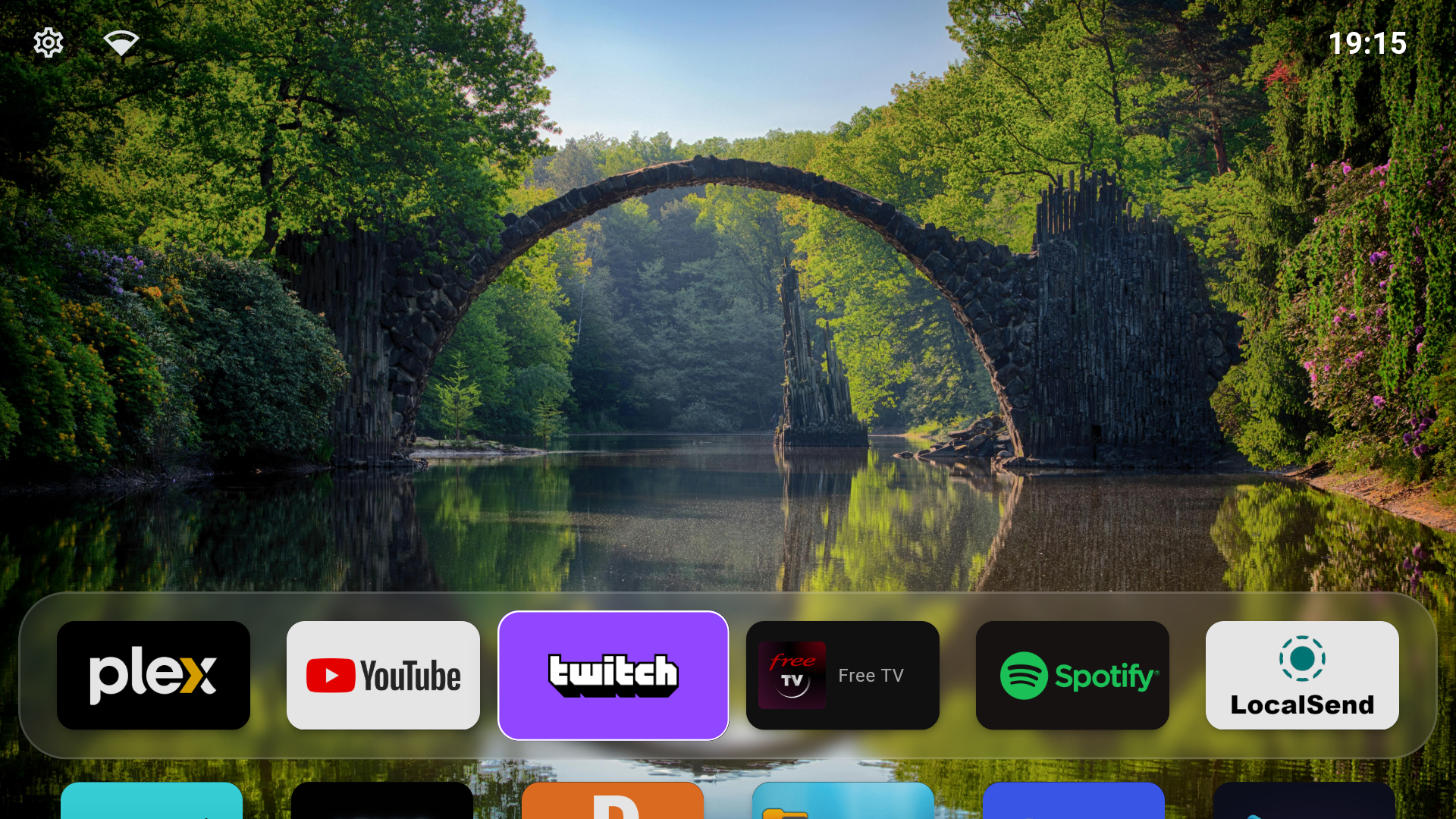 App Grid
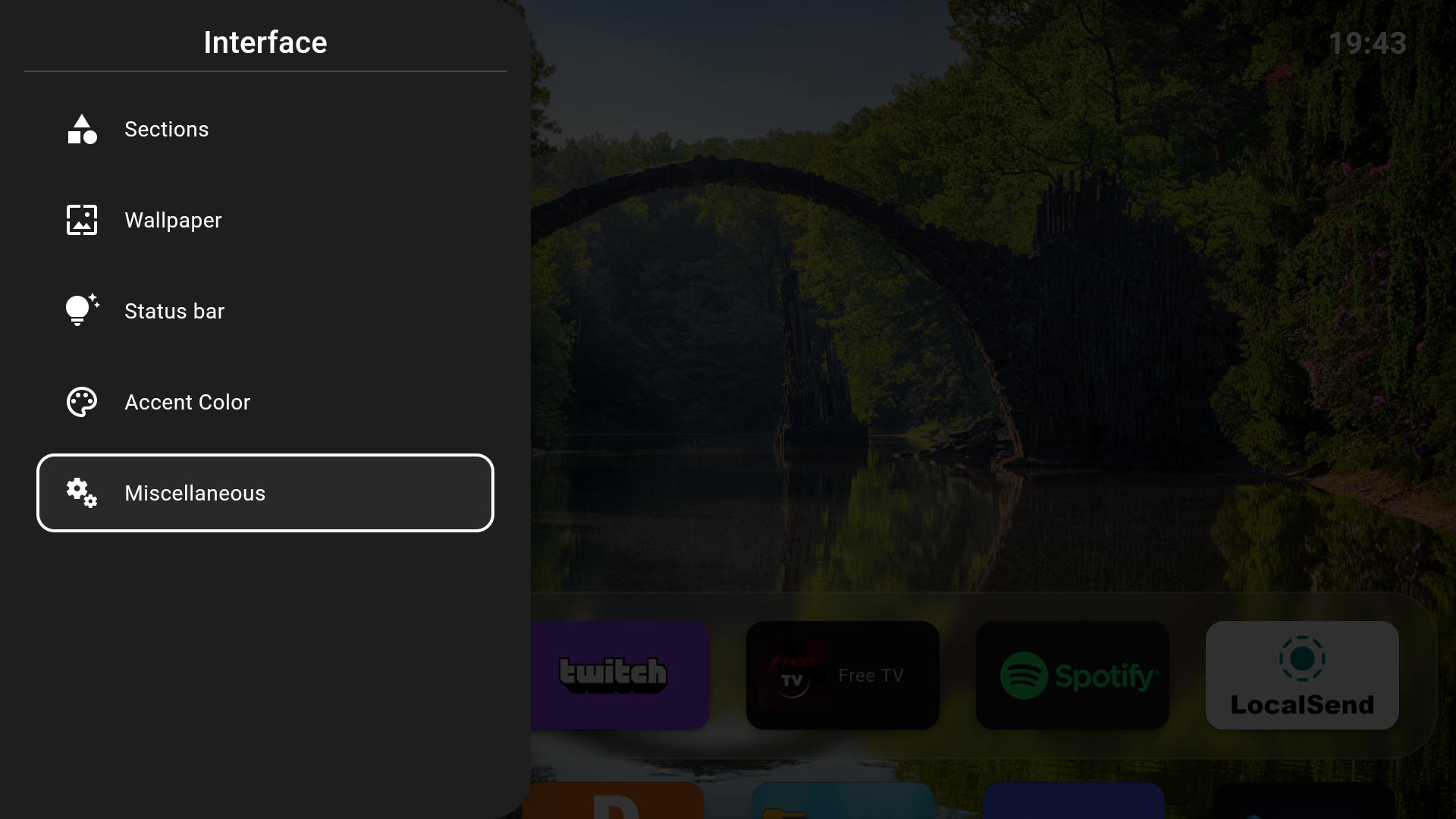 Appearance
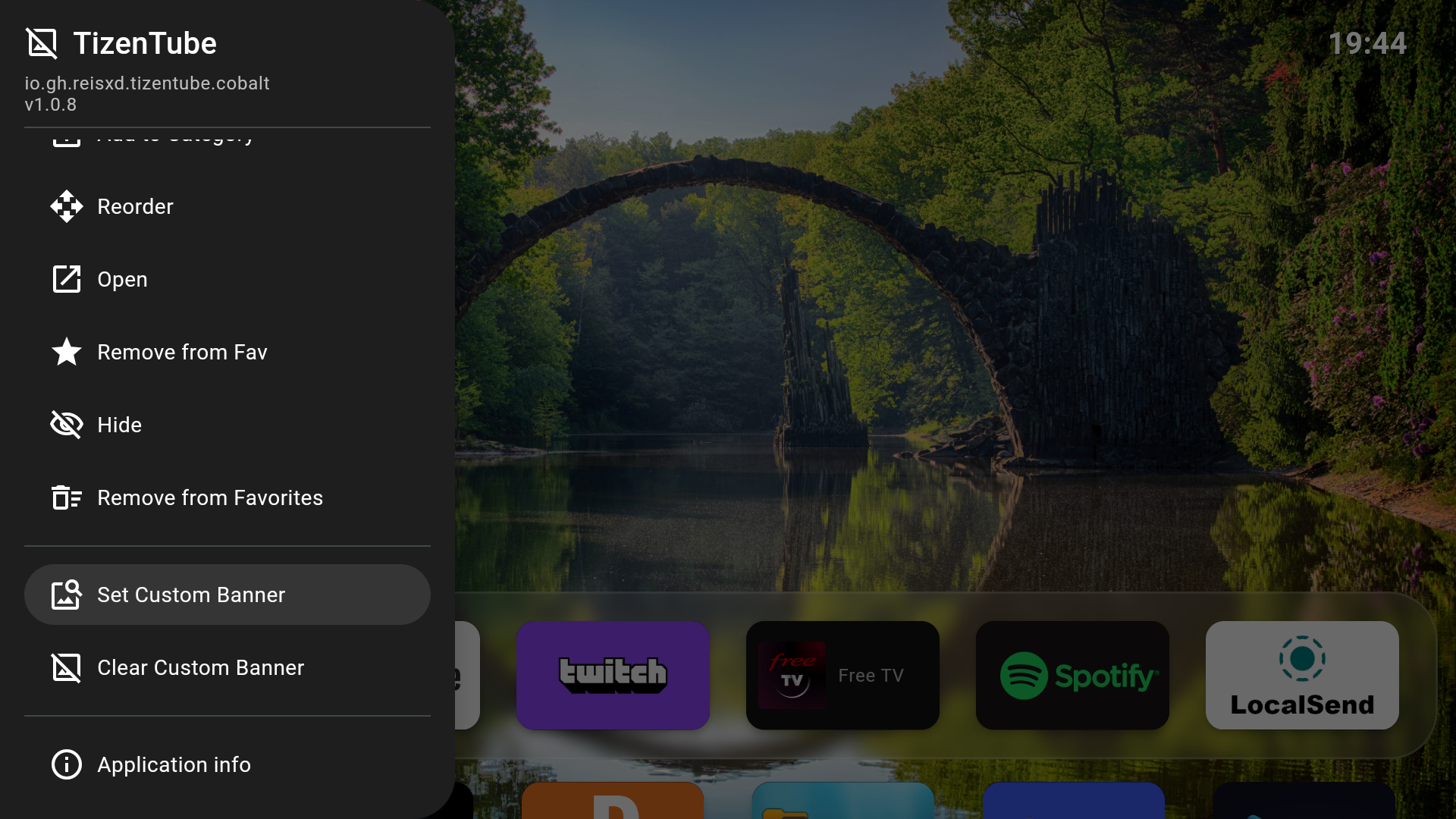
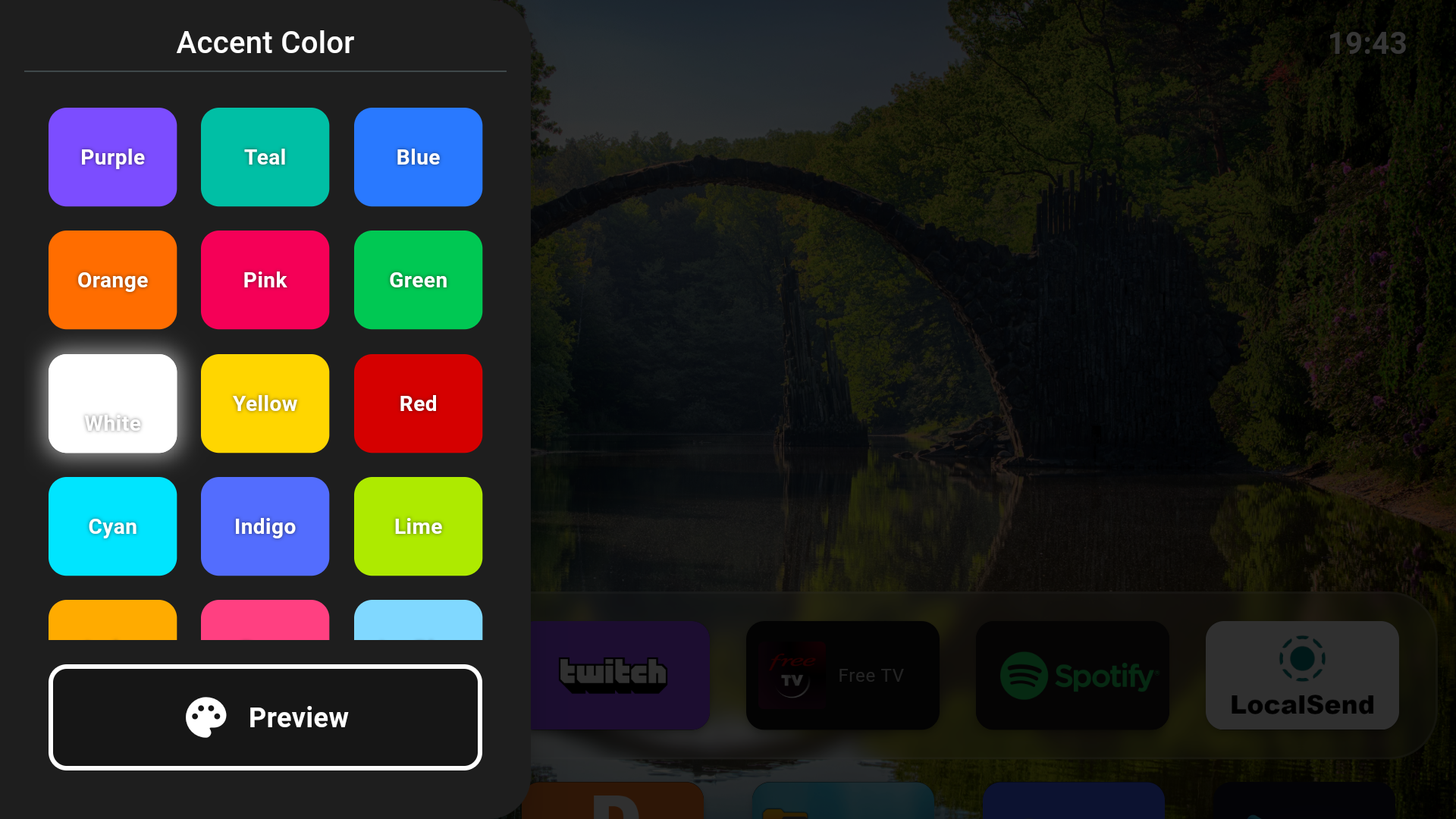 Categories
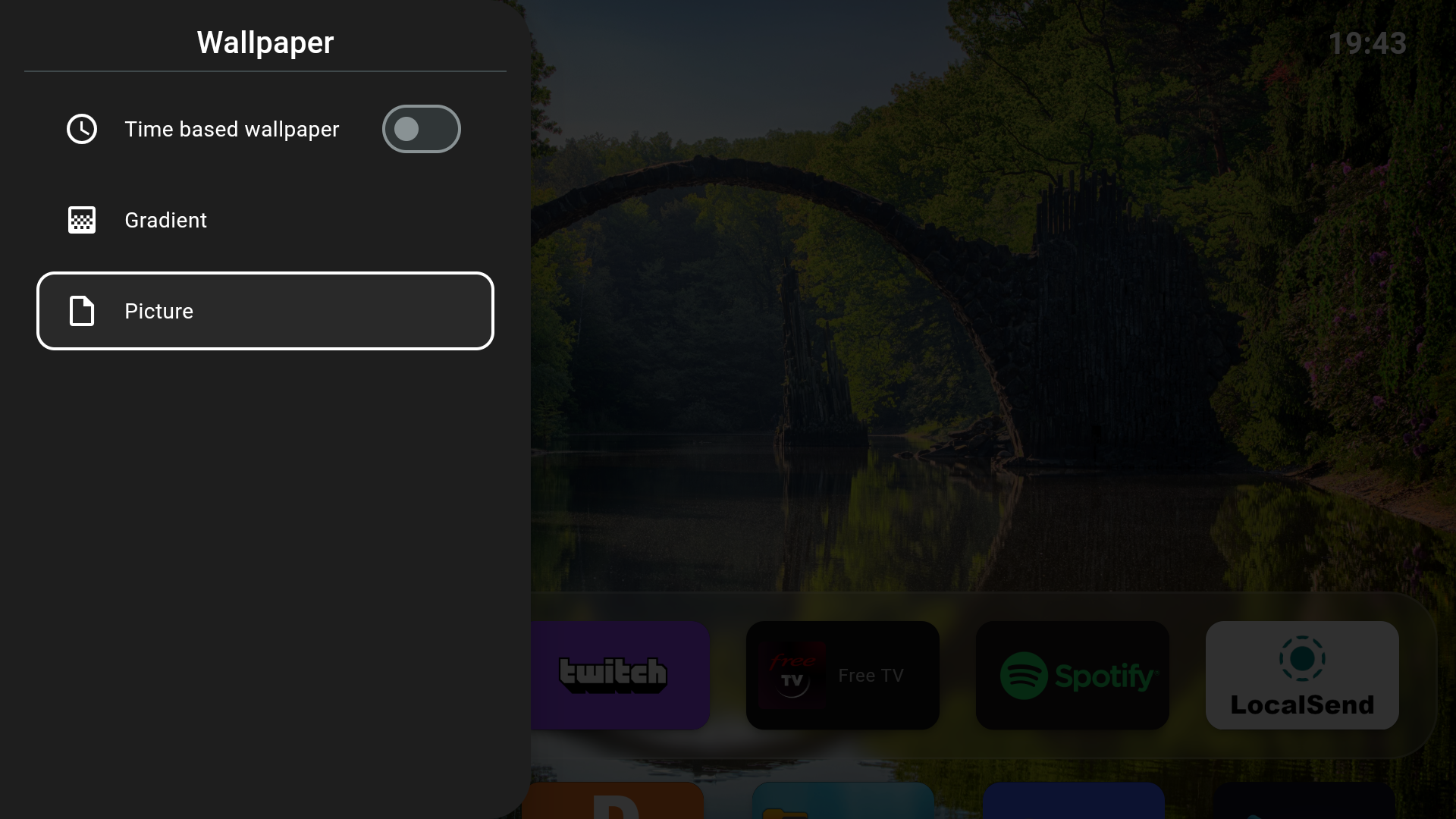 App Management
 Wallpapers
 Network
 Advanced
Three simple steps to transform your Android TV
Visit our GitHub releases page and download the latest APK file. We recommend the release version for stability.
Install Downloader from the Amazon/Google Play Store. Enter code 6330120 to download Arc Launcher directly.
Copy CodeOn your Android TV, go to Settings > Security > Unknown Sources. Enable the option to install apps from unknown sources.
Transfer the APK to your Android TV using a USB drive, ADB, or cloud storage. Open it and follow the installation prompts. Set Arc Launcher as your default home app.
Set Arc Launcher as your home screen for the best experience
The safest way. Use Button Mapper to remap your remote's Home button to launch Arc Launcher instead.
We strongly recommend using Laucnher Manager to setup Arc Launcher as your default launcher on Fire TV Devices.
Advanced users only. Disables the default launcher system-wide using ADB commands.
# Disable default launcher (CCwGTV)
adb shell pm disable-user --user 0 com.google.android.apps.tv.launcherx

# Also disable the fallback launcher
adb shell pm disable-user --user 0 com.google.android.tungsten.setupwraithadb shell pm enable com.google.android.apps.tv.launcherx
adb shell pm enable com.google.android.tungsten.setupwraithArc Launcher is 100% open source. We welcome contributions of all kinds - code, design, documentation, or feedback.
 Arc Launcher